📱 Phone & Tablet
Android · Available
The full CantosTV app for Android phones & tablets — Live TV, Movies, Series, Search, Continue Watching and Multi-Screen. Auto-updates from inside the app.
Download APKOpen the file → allow install from this source → Install.
📺 TV & Fire Stick
Android TV / Google TV / Fire TV · Available
A separate app built natively for the big screen and the remote — folder sidebar, D-pad navigation, Multi-Screen. Updates in-app via Settings → Check for Updates.
Download APKOn a Fire Stick, use the Downloader app with code 9809772 (aftv.news/9809772), or sideload the APK.
🖥️ Windows PC
Windows 10 / 11 · New
The desktop app — the same CantosTV experience in a resizable window. Installs like any Windows program with a Start-menu & desktop shortcut.
Download for WindowsUnsigned build: on first run Windows may say “Windows protected your PC” → More info → Run anyway.
🍎 iPhone & iPad
iOS · Coming soon
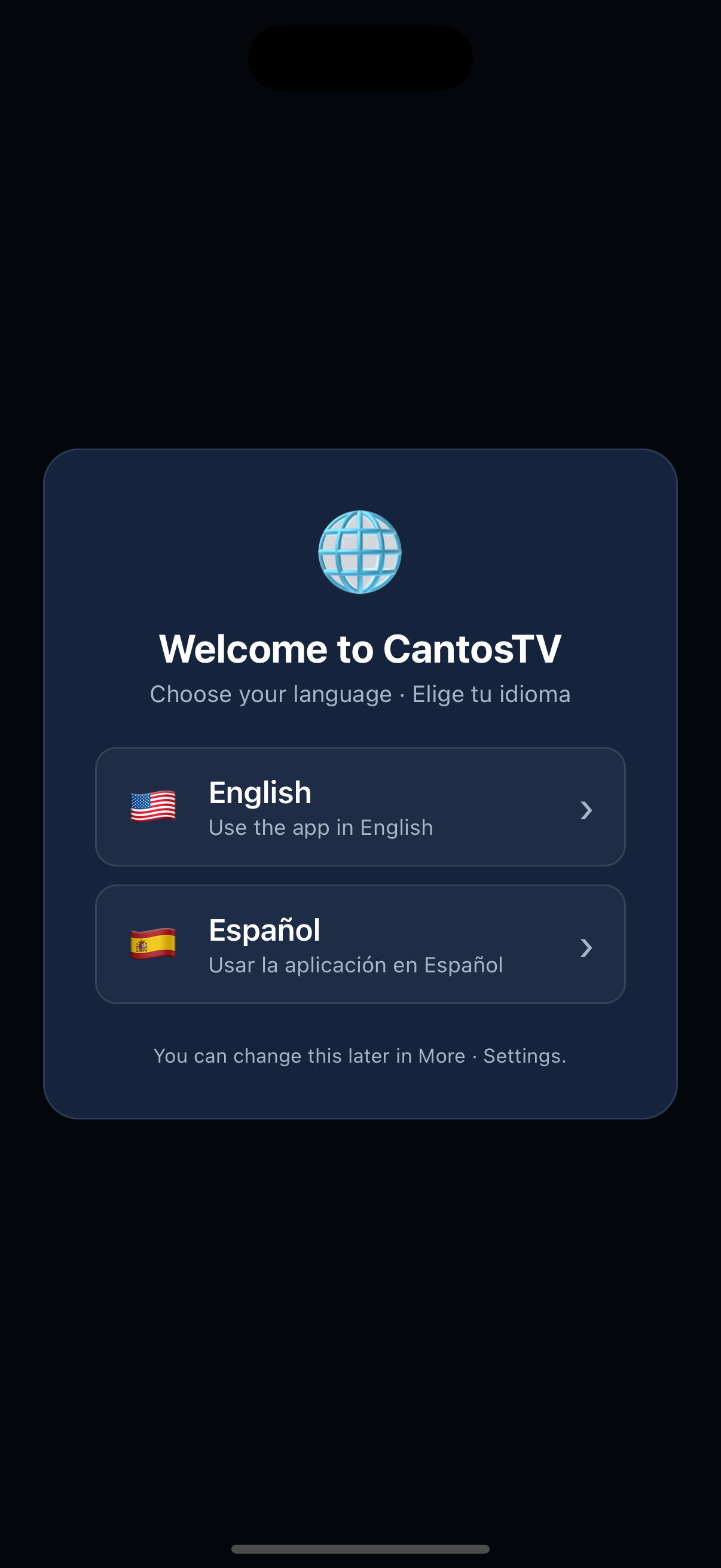
CantosTV already builds and runs on iPhone (screenshot above is the live app on iOS). Apple only allows installs through TestFlight / the App Store, so an iPhone download link is on the way once TestFlight is set up.
TestFlight — coming soon
These are four separate apps, each built for its platform — the Android phone build, the native Android-TV build, the Windows desktop build, and the iOS build — so each behaves the way its device expects.
Use only IPTV services you are legally subscribed to.